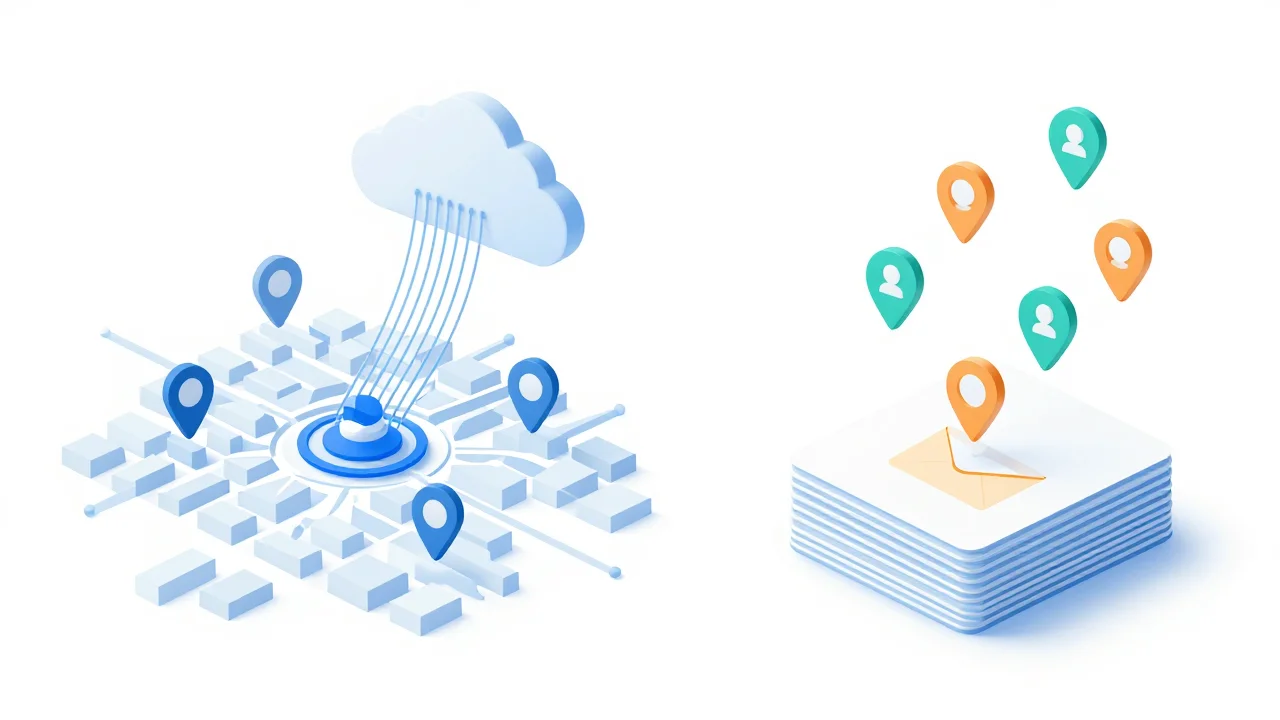
Google Maps API lead generation sounds simple: call Google's Places API from n8n or a script, drop the results into a sheet, and start outreach. In practice the API gives you business names, phone numbers and websites, but no one to email. This guide compares the API route and the scraper route field by field and works out what each costs per lead you can actually contact.
Two ways to pull leads from Google Maps
You can query Google's official Places API and build the rest yourself, or use a scraper that collects listings and enriches them for you. Both start from the same Google Maps data. They differ in what you get back, what you pay for and how much you maintain.
Here is the short version before the detail:
| Places API (DIY, often via n8n) | Scraper with AI enrichment | |
|---|---|---|
| What you pay for | Each API request, priced by the fields you ask for | Each lead found (or a flat plan) |
| Results per query | Capped, paginated | Usually deeper, but still limited per search |
| Emails | Not returned | Found on the business website |
| Owner name and title | Not returned | Found by AI where the site lists them |
| Social profiles | Not returned | Usually included |
| Email verification | You add a separate service | Often built in |
| Setup | Google Cloud project, billing, workflow build | Sign up and search |
| Maintenance | Yours | The vendor's |
| Google's terms | Within terms, with storage rules | Scraping conflicts with Google's terms |
The rest of this article explains each row and where the hidden work sits.
What the Google Places API actually returns for a business
The Places API returns structured listing data: name, address, coordinates, categories, rating, review count, phone number, website, opening hours and a place ID. That is the Google Business Profile, cleanly formatted.
For lead generation, most people use Text Search, the endpoint that accepts a query like "roofers in Mesa, AZ". In the current version of the API you send a field mask that lists exactly which fields you want back. Typical lead-gen fields include:
- Display name and formatted address
- Latitude and longitude
- Primary type and other category types
- Rating and total review count
- National or international phone number
- Website URL
- Opening hours and business status (open, temporarily closed, permanently closed)
- Google Maps URL and place ID
- A handful of recent reviews
The field mask matters for cost. Basic fields like name and address sit in a cheaper billing tier, while contact fields like phone and website, and rich fields like ratings and reviews, push the request into pricier tiers. If your field mask asks for everything, every call is billed at the highest tier it touches.
The place ID is the most useful field you get. It is a stable identifier, so you can use it to de-duplicate results across overlapping searches.
What the API leaves out: emails, owner names and social profiles
The Places API has no email field, no owner or manager name, and no social profile links. If you searched for "google places api email" hoping for a hidden parameter, there isn't one.
Google Business Profiles simply do not store those things as structured data. The email address, the owner's name and the Instagram link live on the business's own website, if they exist at all.
| Field you need for outreach | Places API | Where it actually lives |
|---|---|---|
| Business name, address, phone | Yes | Google Business Profile |
| Website | Yes | Google Business Profile |
| Rating and review count | Yes | Google Business Profile |
| Generic email (info@, hello@) | No | Contact page, footer |
| Owner or decision-maker name | No | About page, team page |
| Owner title | No | About page, team page |
| Direct or personal email | No | Team page, or guessed from name and domain |
| Facebook, Instagram, LinkedIn links | No | Website header or footer |
| Email deliverability status | No | A verification service |
So an API-only list is a call list, not an email list. To cold email from it, you need three more stages after the API:
- Website crawl. Visit each website, including contact and about pages, and pull out email addresses and social links.
- Owner extraction. Read the about or team page and identify who runs the business and what their title is.
- Verification. Check each email before you send, so bounces don't damage your sending domain. Our guide on why you should verify emails before sending covers why this step is not optional.
Each of those stages is its own build, its own failure modes and, often, its own bill.
Result caps, pagination and why ZIP-code grids are needed
One Text Search query only returns a limited number of places, delivered in pages. Google's documentation caps Text Search at 60 results per query (three pages of 20) at the time of writing, so check the current docs before you plan around it.
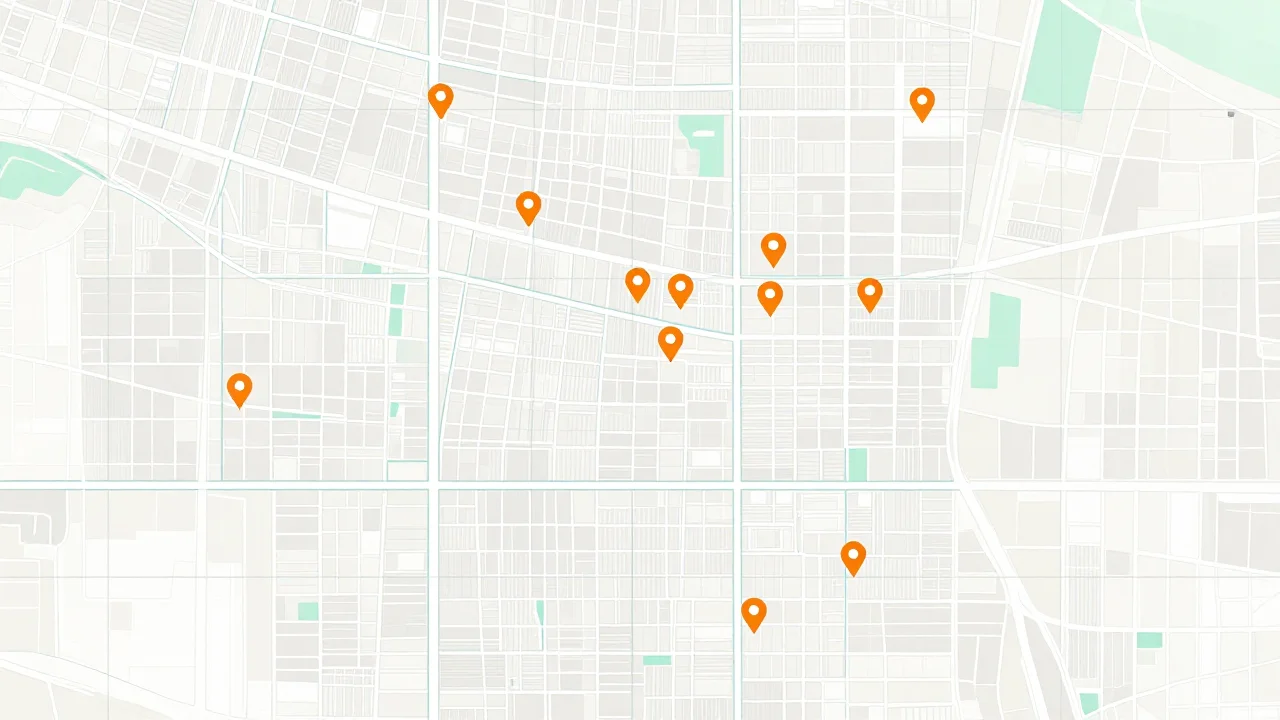
That cap is why a single query like "dentists in Phoenix" never returns every dentist in Phoenix. The map interface has a similar ceiling, which we explain in why a Google Maps search stops at around 120 results.
The standard workaround is a geographic grid. Instead of one city-wide query, you run one query per small area:
- List every ZIP code (or a grid of lat/lng points) covering your territory.
- For each ZIP, run each category query, such as "plumber", "plumbing contractor" and "drain cleaning".
- Follow the page token until it runs out, so you collect every page for that query.
- De-duplicate on place ID, because neighboring ZIPs return many of the same businesses.
- Filter out results whose primary type doesn't match your niche.
The grid multiplies your request count fast. Forty ZIP codes times three category terms is 120 queries. If each one pages through to the end, that is up to 360 billed requests, and a large share of what comes back is duplicates you already paid for.
Category drift is the other problem. A search for "solar installer" will return electricians, roofers and solar panel retailers. You pay for those rows too, then filter them out.
Google Maps API lead generation: what it really costs per usable lead
The true cost is not the API bill divided by rows returned. It is everything you spend, divided by the leads you can actually contact with a verified email.
Use this formula:
Cost per usable lead = (API spend + crawl and AI costs + verification costs + your build and maintenance hours × your hourly rate) ÷ leads with a verified email
Here is a worked example with illustrative numbers. Plug in your own funnel and Google's current SKU price for the fields you request.
- 360 paginated requests across a 40-ZIP grid return 2,000 raw rows.
- After de-duplicating on place ID, 900 unique businesses remain.
- After removing off-niche categories and closed businesses, 650 remain.
- 500 of those have a website.
- Your crawl finds at least one email on 300 of them.
- After verification, 240 emails are safe to send.
You paid the API for 2,000 rows' worth of requests, crawled 500 sites, verified 300 emails, and ended up with 240 usable leads. That is roughly one usable lead for every eight raw rows.
Now add the time. Building the workflow, debugging pagination, writing the crawl and fixing broken nodes might take a couple of days the first time, plus a few hours a month after that. At any reasonable hourly rate, your time is usually the largest line in the formula for the first few thousand leads.
For a deeper look at pricing models across lead sources, see cost per lead: what lead lists really cost.
Building it yourself: setup, enrichment and maintenance work
A DIY Google Maps lead generator is a reasonable weekend project if you already know n8n or Python. Expect the API call to be the easy part and the enrichment to take most of the effort.
A typical n8n build, step by step
- Create a Google Cloud project. Enable the Places API, attach a billing account and create an API key restricted to that API.
- Set up a source sheet. One tab for ZIP codes, one for category terms, one for results, one for a run log.
- Loop over ZIP × category. Use an HTTP Request node to call the Text Search endpoint, with your field mask in the request header.
- Handle pagination. Loop on the next page token until none is returned.
- Add retries with backoff. Rate-limit errors will happen on large grids, so retry with increasing waits instead of failing the run.
- De-duplicate on place ID before writing rows to the sheet.
- Crawl websites. Fetch the homepage plus likely contact and about URLs, then extract emails with a regex or an LLM node.
- Extract owner names. Pass the about page text to an LLM with a strict prompt that returns name, title and a confidence flag, or nothing.
- Verify emails through a verification API and store the result in its own column.
- Push to your sending tool via its API, or export a CSV.
Where DIY builds usually break
- JavaScript-heavy websites. A plain HTTP fetch returns an empty shell, so the crawl finds nothing.
- Emails hidden in images or contact forms. Many local businesses only offer a form.
- Obfuscated addresses like "info [at] domain [dot] com" that a simple regex misses.
- LLM guesses. Without a strict prompt, the model will "find" an owner name that is really a reviewer or a stock testimonial.
- Duplicates across runs. If you don't check new rows against old ones, you email the same business twice.
- Silent failures. An expired key or a changed endpoint returns errors that get logged but never noticed.
Common mistakes to avoid
- Requesting every field in the field mask when you only use five.
- Running a full metro grid before testing one ZIP and checking the output by hand.
- Skipping verification because the emails "came straight from the website". Websites are full of old addresses.
- Treating generic inboxes and owner emails as equal. Keep them in separate columns so you can segment.
What a Google Maps scraper with AI enrichment returns instead
A scraper with AI enrichment returns the same listing data as the API, plus the contact layer the API leaves out: emails, owner names and titles, and social profiles. The website crawl, owner extraction and verification are done for you.
As one example, Prospect Cheap collects live business leads from Google Maps, then uses AI to read each lead's website and pull out emails, the owner's name and title, phone numbers and social profile links. On paid plans you can verify emails in one click. You can then filter the list, export it to CSV, or send it straight to GoHighLevel, Instantly, Smartlead or lemlist.
Pricing is one credit per lead found. Monthly plans start at $29, and you get 150 free credits to start, so you can run the plumbers-in-one-city test from the example above and compare the output to a DIY run. Current plan details are on the pricing page.
Compared with the DIY stack, the practical differences are:
- One bill instead of four. No separate API, crawler, LLM and verification charges to reconcile.
- Contact fields included. If you want to understand how the email step works, see how to get emails from Google Maps businesses.
- No maintenance. When a site layout or endpoint changes, it isn't your workflow that breaks.
- Still programmable. If you liked the n8n approach for its automation, Prospect Cheap also has a REST API and an MCP server, so you can pull enriched leads into your own workflows or an AI assistant without building the enrichment yourself.
What a scraper does not remove: you still need to filter for your niche, decide which leads fit your offer, and write outreach worth replying to. No tool finds an email for a business that doesn't publish one anywhere.
Terms of service, data storage rules and compliance differences
The Places API is the route Google permits, but it comes with rules on storing and displaying data. Scraping Google Maps conflicts with Google's terms of service. Neither route changes the laws that apply to your outreach.
API rules people overlook
The Google Maps Platform terms limit how long you can cache most Places content. Place IDs are the notable exception and can be stored. Building a permanent CRM full of API-sourced addresses, ratings and phone numbers can sit awkwardly with those caching rules, so read the current service terms before you design a long-lived database. There are also attribution requirements when you display Places data.
Scraping and the law
Scraping publicly visible business listings is a different question from whether it breaks a site's terms. Our overview of whether web scraping is legal walks through the distinction. It is general information, not legal advice.
Outreach rules apply either way
Where a lead came from doesn't exempt you from email law. In the US, CAN-SPAM requires an accurate sender, a physical address and a working opt-out. In the EU and UK, GDPR and related rules govern how you process business contact data, especially named individuals. Honor unsubscribes quickly whichever route you use.
Which route fits agencies, freelancers and sales teams
Use the API if you're building a product that displays places or you specifically need data from inside Google's terms. Use a scraper with enrichment if you want people to email this week.
- Marketing and web design agencies: You need owner emails and enough context to personalize. The scraper route gets you there without a build. Owner names matter here, because "Hi Maria" lands better than "Hi there".
- Freelancers: Your time is the scarcest resource. Start with free credits or a manual pass; free Google Maps lead generation covers what actually works at zero cost.
- Sales teams calling local businesses: If you mainly cold call, the API's phone and hours fields may be enough, and the missing emails matter less.
- Developers and ops teams: If you enjoy building and already run n8n, the DIY route is a good learning project. Budget for enrichment and verification from day one, or call an enrichment API instead of writing your own crawler.
- Lead generation agencies selling lists: Cost per usable lead decides your margin. Run both routes on the same niche and city, then compare verified emails per dollar spent and hours spent.
Next steps
- Pick one niche and one city you'd actually sell to.
- Decide which fields you need for your channel: phone for calling, verified owner email for cold email.
- If you go DIY, test a single ZIP code end to end before building the grid, and track every cost line from the formula above.
- If you go the scraper route, run the same niche and city with Prospect Cheap's 150 free credits, verify the emails, and send them to your outreach tool.
- Compare the two on one number: cost per lead with a verified email. Then scale whichever wins.